The Feedback
A friend opened the portfolio on their phone and said two things:
- "The bottom bar has too many icons." Eight items fighting for space in a ~375px bar. Each icon was tiny, the labels were unreadable, and the whole thing felt like a toolbar from 2008.
- "The globe is distracting on mobile." On desktop, the wireframe sphere has room to breathe. On a phone screen, it competes with the actual content.
Both observations pointed to the same root problem: what works at 1440px doesn't automatically work at 375px.
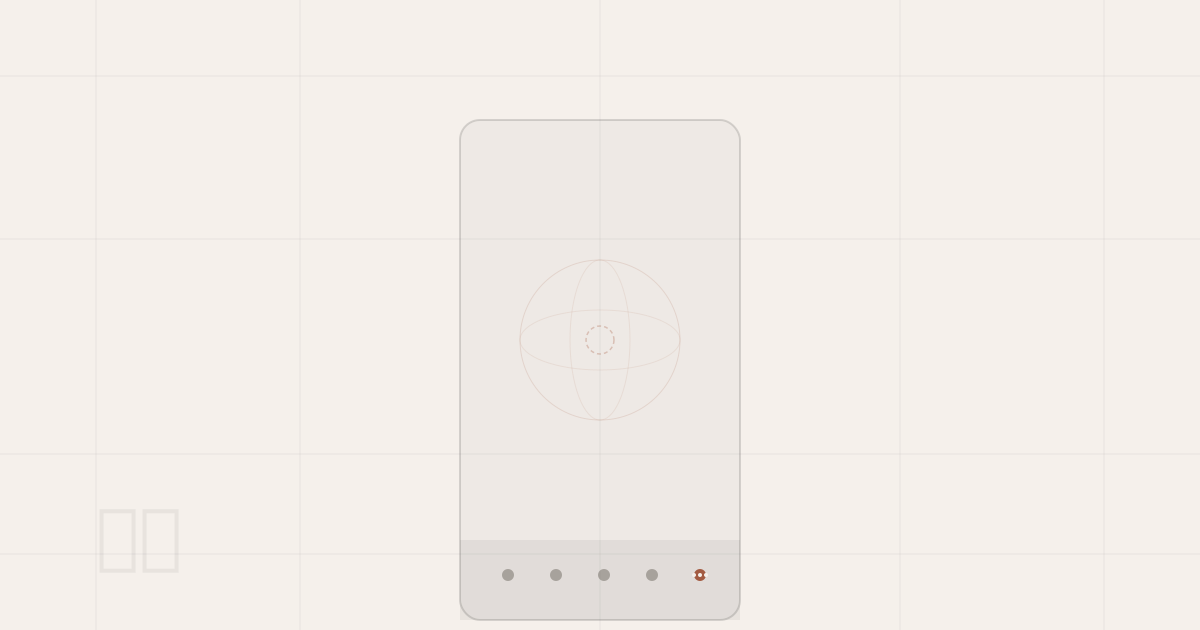
Bottom Nav: 5 Items + "More"
The original mobile bottom bar rendered every navigation target inline — 4 slide links, 2 route links (Blog, Changelog), and 2 social links (Email, GitHub). That's 8 touch targets in a single row.
The fix was straightforward: keep the 4 primary slide navigations visible, collapse everything else behind a "More" button.
What Changed
The bottom bar now shows exactly 5 items:
| Slot | Item |
|---|---|
| 1 | Home |
| 2 | About |
| 3 | Experience |
| 4 | Projects |
| 5 | More (...) |
Tapping "More" opens a popup anchored above the bottom bar, listing every route link vertically with proper labels, a hairline divider, then the social links. The popup closes on outside tap, re-tap, or navigation.
This is the part that aged best. At the time the popup held four items — Blog, Changelog, Email, GitHub. It now holds nine, because the site grew Pay Me, Ratecard, Market, Pokédex, and a Suggestion Box. The bottom bar never had to change: it still shows the same four slide targets plus "More". Picking an overflow pattern instead of squeezing icons is what made that free.
Implementation Detail
The popup needed z-[60] to sit above the audio player (which shares z-50 with the navbar). Without this, the play button would render on top of the popup — a classic stacking context issue when multiple fixed-position elements share the same z-index.
The same pattern later got lifted to desktop, where the route links now live behind a More dropdown in the top bar instead of sitting inline.
<div className="absolute bottom-full mb-2 right-0 z-[60]
  border border-foreground/10 bg-background/90 backdrop-blur-md">
  {/* Route links + social links */}
</div>
Globe Toggle: User Control Over Decoration
Instead of auto-hiding the globe on scroll (which felt unpredictable), I added a globe visibility toggle to the navbar — both desktop and mobile. A small Globe icon that toggles the entire wireframe sphere and planetarium on or off.
Why a Toggle Over Auto-Hide
The initial plan was to detect scroll activity and fade the globe out automatically, then fade it back after 1 second of inactivity. This had two problems:
- Unpredictable timing. Users would see the globe flickering in and out during casual browsing.
- No user agency. If someone finds the globe distracting, they want it gone — not gone-then-back-then-gone-again.
A toggle is explicit. Tap once to hide, tap again to show. The state lives in globeState (a plain object read by the canvas animation loop), so there's zero React re-render overhead.
The Fade
The globe doesn't snap on/off — it lerps smoothly using the existing animation loop:
// Inside the rAF draw loop
const visTarget = globeState.globeVisible ? 1.0 : 0.0;
visibilityScale += (visTarget - visibilityScale) * 0.08;
On mobile, the base opacity is already reduced to 40% (mobileScale = 0.4 * visibilityScale) so the globe stays subtle even when visible.
Audio Player: Scroll-Aware on Mobile
The audio player sits fixed at bottom-20 right-4 on mobile, just above the bottom nav. During active scrolling, it fades out and slides down to get out of the way, then fades back after 1 second of inactivity.
This uses the same portfolio:scroll custom event that the slide system dispatches on wheel and touch interactions — so it works on both the slide-based home page (where there's no native window.scroll) and standard scrolling pages like Blog and Changelog.
// Check viewport at event time, not mount time
function onScroll() {
  if (window.innerWidth >= 768) return;
  setScrollHidden(true);
  clearTimeout(timer);
  timer = setTimeout(() => setScrollHidden(false), 1000);
}

window.addEventListener("scroll", onScroll, { passive: true });
window.addEventListener("portfolio:scroll", onScroll);
Desktop behavior is completely unchanged.
Custom Scroll Events
The portfolio's home page doesn't use standard page scrolling — slides are positioned absolutely and transitioned with GSAP. This means window.scroll never fires on the home page.
To bridge the gap, the SlideContainer now dispatches a lightweight custom event on wheel and touch interactions:
window.dispatchEvent(new Event("portfolio:scroll"));
Any component that needs to react to "the user is scrolling" can listen for both scroll and portfolio:scroll without caring about which navigation model is active.
The Takeaway
Mobile UX isn't about shrinking the desktop layout. It's about re-prioritizing. The bottom nav didn't need 8 items — it needed the 4 that matter most, with a clear path to the rest. The globe didn't need algorithmic hide/show logic — it needed a button. Small changes, but they shift the experience from "desktop site on a small screen" to something that feels like it was designed for the device.